LoopLab app · iPhone & Android
Shadowing & Listening, word by word.
Loop any sentence of real speech, tap a word for its meaning, and let AI explain it in its sentence. Practise on your phone what you save in LoopLab for Chrome.
See it in one minute
Real speakers, every word timed
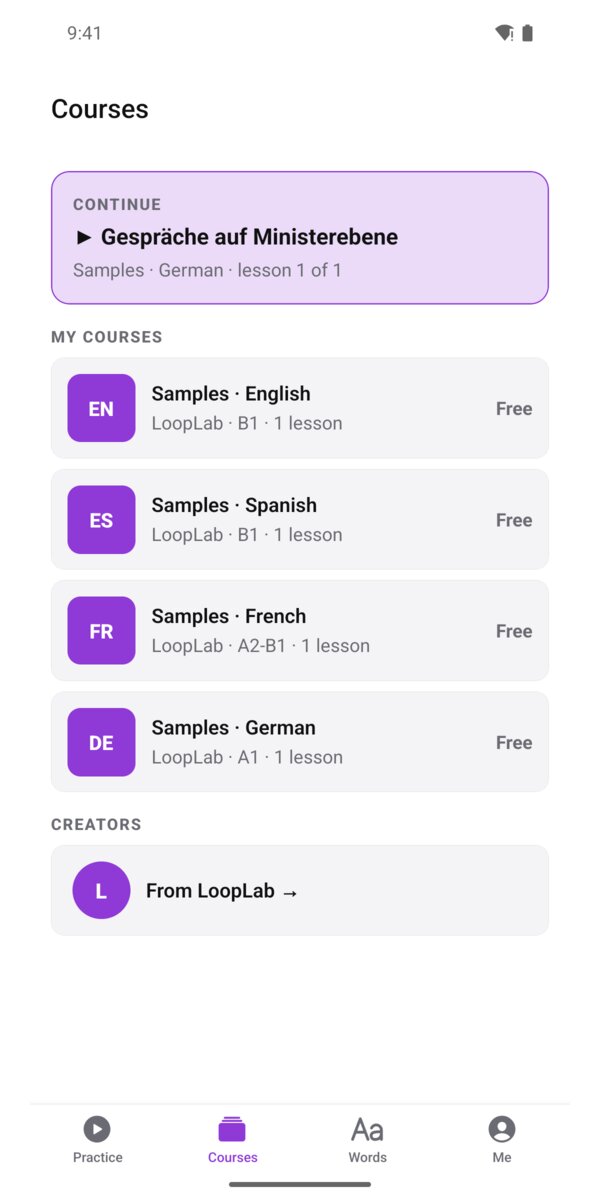
Free sample courses in English, Spanish, French, and German, with video, subtitles, and translations.
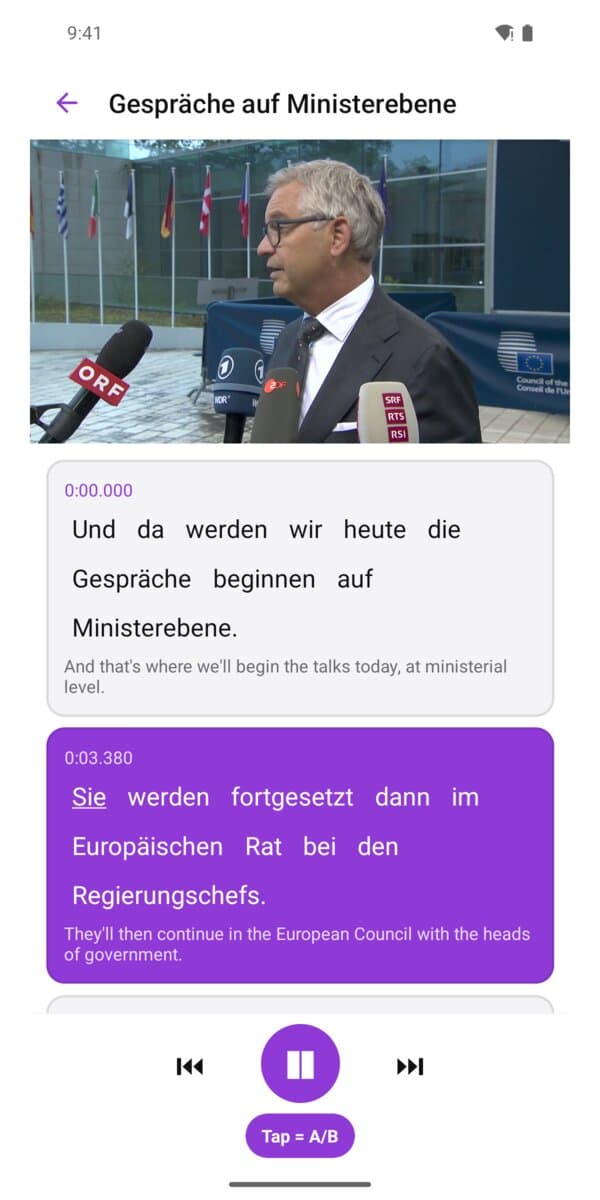
Loop any sentence
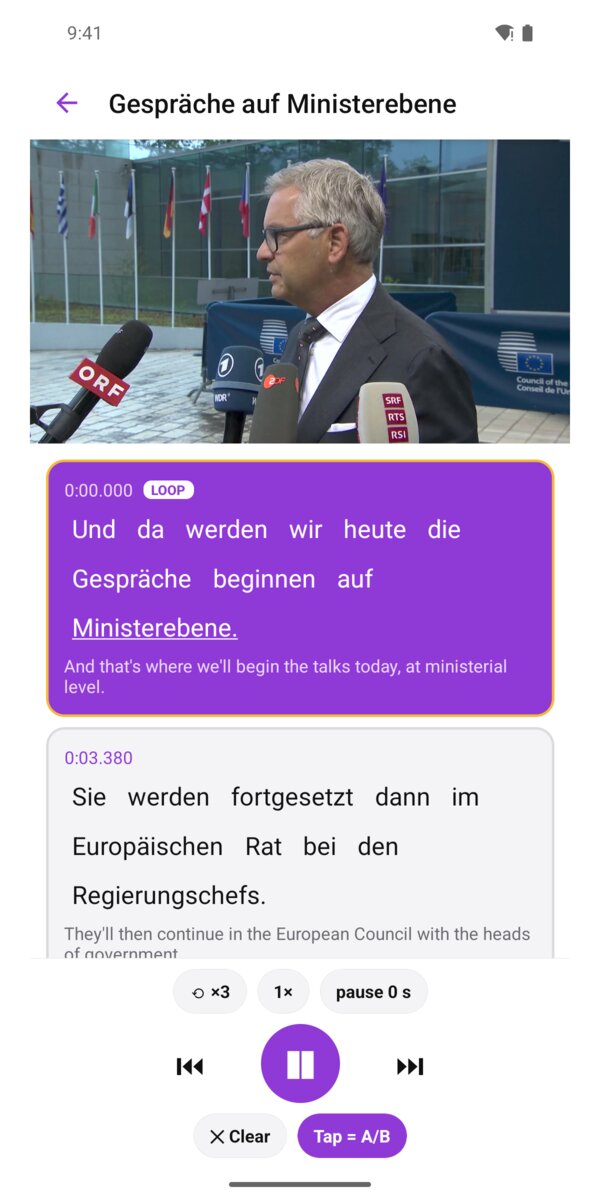
Tap a sentence to repeat it — slow it down, add a pause for your turn, shadow the speaker.
Word-exact A/B loops
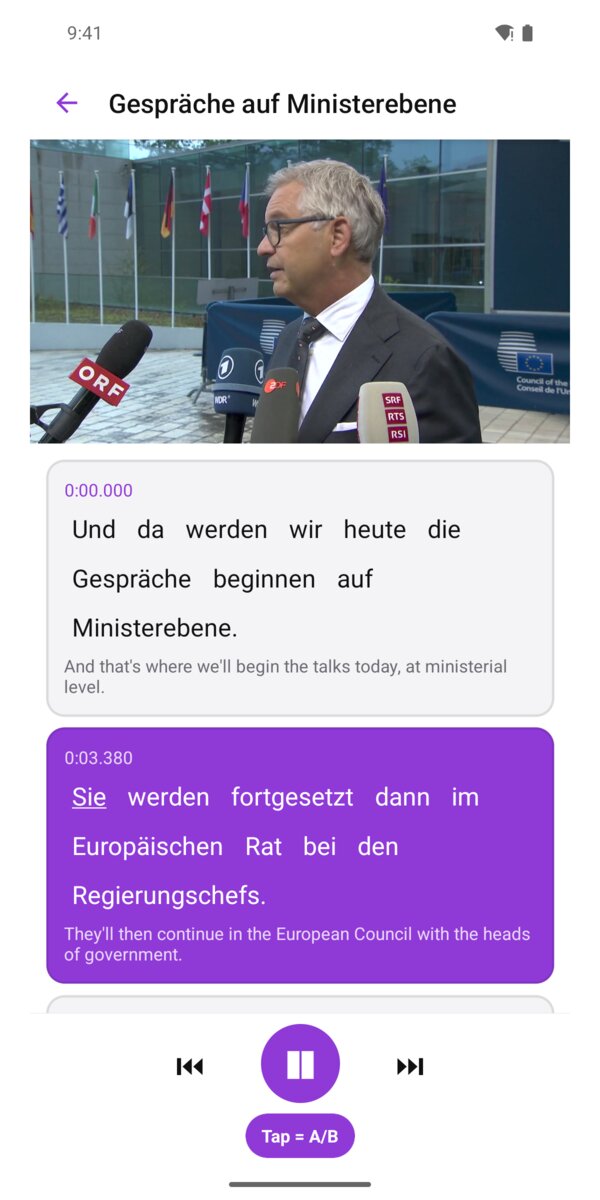
Tap two words to loop exactly that phrase. Fine-tune A and B by ear.
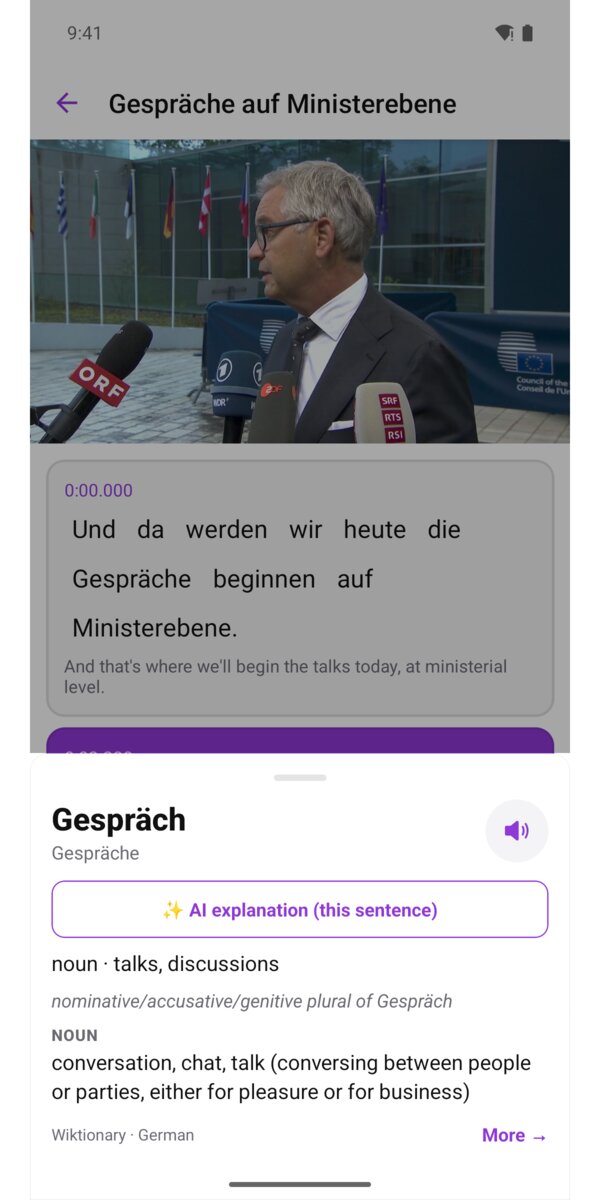
Every word explained
Long-press a word: its meaning in this sentence, the dictionary, and ✨ AI that explains it in context.
Share from YouTube
Share a video from the YouTube app to LoopLab and practise it; in LoopLab for Chrome it opens with subtitles.
Join the Android test
LoopLab is in a closed test on Google Play before its public release. Testing is free, takes a minute to join, and your feedback shapes the app. Please keep it installed for 14 days and open it now and then.
- 1
Join the tester group: LoopLab testers (Google Group), with the Google account you use on your Android phone.
- 2
Become a tester: https://play.google.com/apps/testing/com.looplabprecision.mobile
- 3
Install LoopLab from Google Play: https://play.google.com/store/apps/details?id=com.looplabprecision.mobile (works after step 2).
Feedback or a bug? Tell us — or reply to the tester email.
How to use LoopLab
- 1
Open a lesson
Courses → Samples · English (or Spanish, French, German) → the lesson. Press ▶ — the current word lights up.
- 2
Loop a sentence
Tap the time at the top of a sentence card. ⟲ sets how often it repeats, 1× the speed, Pause the gap for your turn.
- 3
Loop a phrase (A/B)
With “Tap = A/B” on, tap the first word, then the last word. Use − / + on A and B to move the edges by ear. ✕ Clear ends the loop.
- 4
Look up a word
Long-press any word: meaning in this sentence, dictionary senses, read-aloud, and ✨ AI explanation (sign in; free daily limit, unlimited with Pro).
- 5
Practise YouTube videos
In the YouTube app: Share → LoopLab. Saved ✓ — then Practise now (A/B loops on the video) or Done. Shared videos also appear in LoopLab for Chrome.
- 6
Sync with Chrome
Me → Sign in with the same email as LoopLab for Chrome. Your saved loops and words appear under Practice and Words.
Sample clips: European Commission – Audiovisual Service, © European Union 2026, CC BY 4.0. Shown for demonstration; no endorsement implied.
Questions
Why are there no captions in the video?
When you practise a loop, LoopLab shows its own line above the buttons, taken from LoopLab for Chrome, where it is matched to the speech word by word. YouTube's captions in the video are off: on news clips cut from live TV they are often the captions typed during the broadcast, a few seconds behind, so they would show a different line. Want them anyway? Whole video → CC on.
The loop ends a little early or late on my phone.
YouTube's player on phones can stop a moment late or early compared with your computer. Under the loop, use A and B −0.1 / +0.1 to fine-tune its start and end. The change is kept on this phone only; the loop in LoopLab for Chrome stays exact.
Do I need LoopLab for Chrome?
For your own YouTube loops, yes: you save them in Chrome, and they appear here when you sign in with the same email. Creator lessons and videos shared from the YouTube app work on the phone alone.